Registration and Login Guide
XUSDT provides merchants with a complete USDT payment solution. This guide will help you complete the merchant account registration and login process.
Merchant Registration
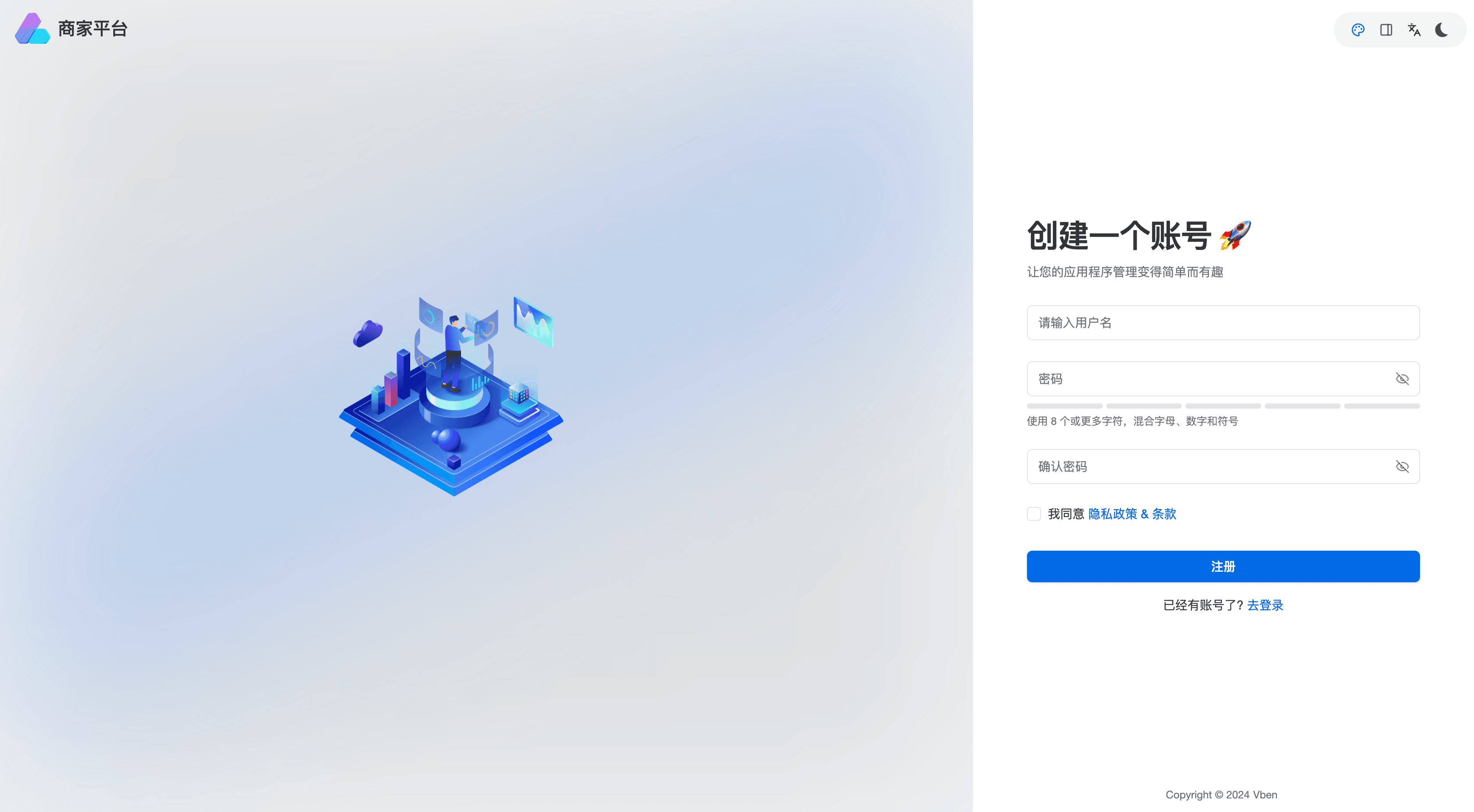
Registration Portal
- Production Environment: https://merchant.xusdt.net/#/auth/register
Registration Steps
- Visit the registration link above
- Fill in required information:
- Email address
- Email verification code (click to get code)
- Set security password
- Enter business/product website
- Read and agree to terms of service
- Click [Register Now] to complete
Merchant Login
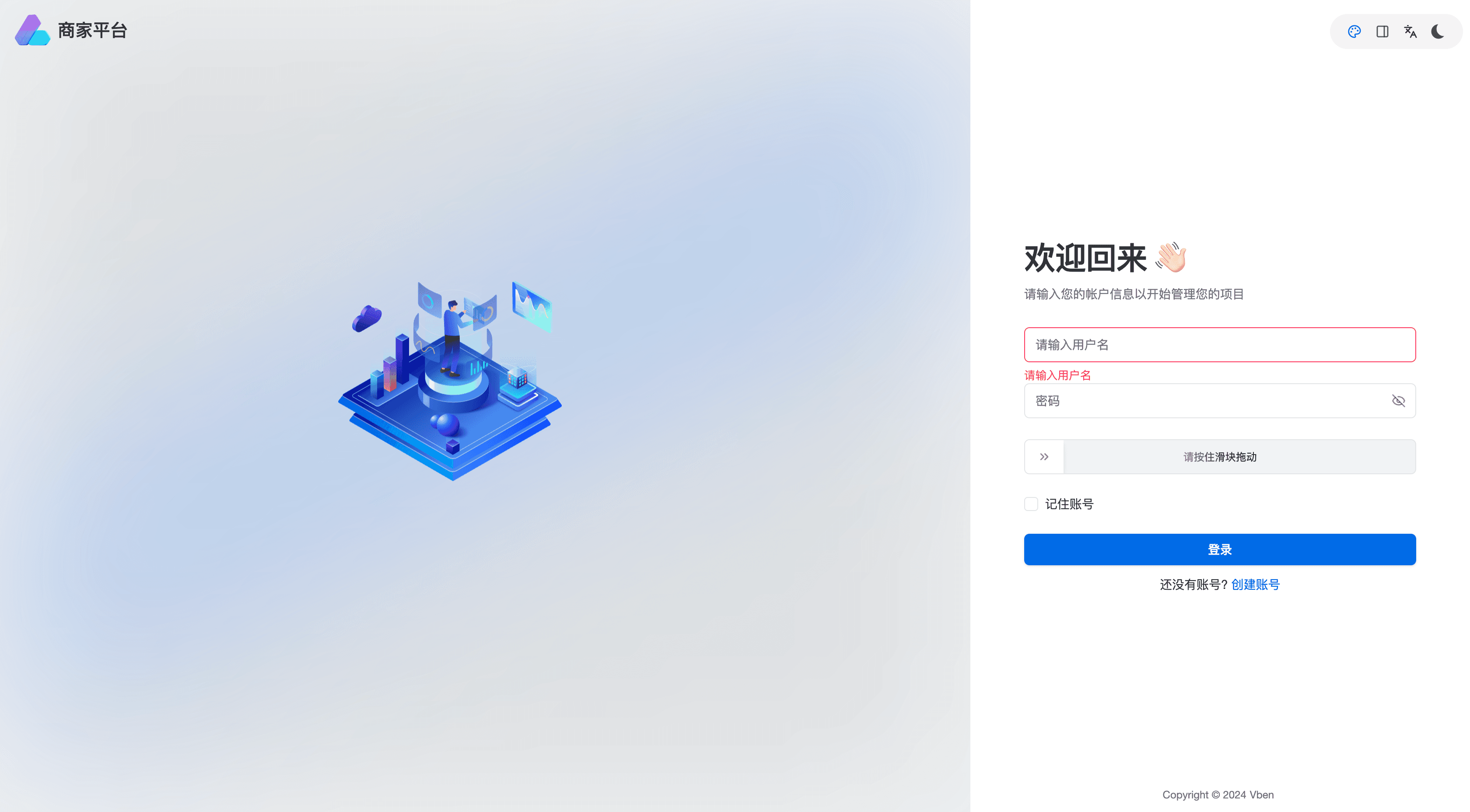
Login Portal
- Production Environment: https://merchant.xusdt.net/#/auth/login
Login Methods
You can login using either:
- Registered email + password
- Merchant ID + password
Login Steps
- Visit the login page
- Enter credentials (email or merchant ID)
- Enter password
- Click [Login Now]
If you don’t have an account, click [No account? Register] link below the login form.
Note: Please keep your login credentials safe and change password regularly for account security.